Browser extension · Firefox · Chrome Web Store: not yet listed, no date promised
OutlineKit: CSS Layout Outliner
See every box on a page: clean outlines by depth or tag, hover labels, spacing view. Pro: layout report.
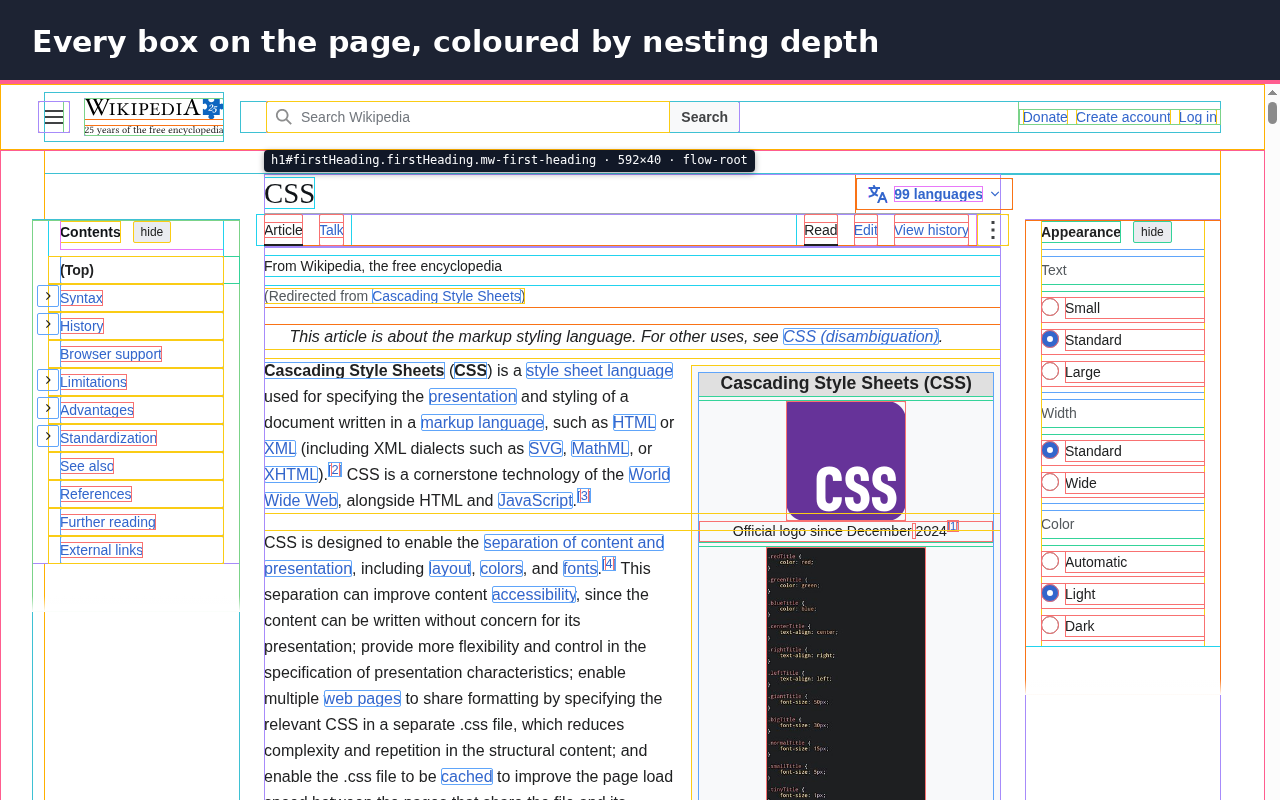
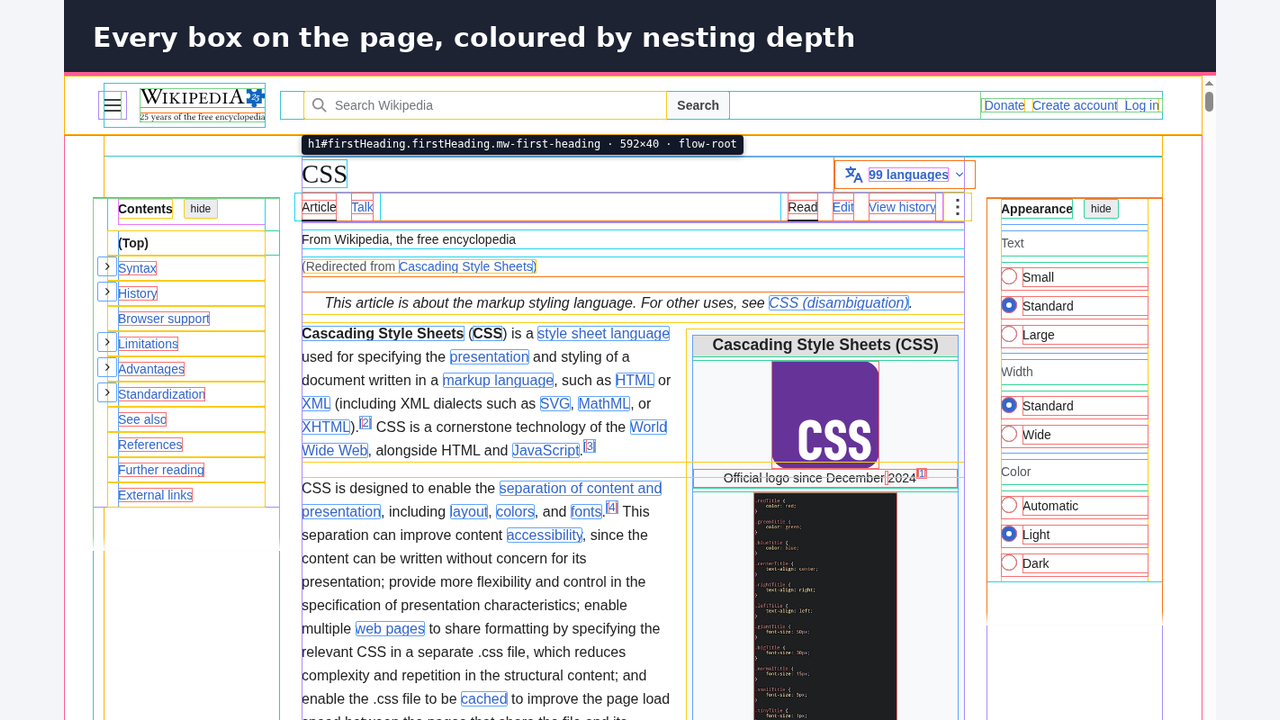
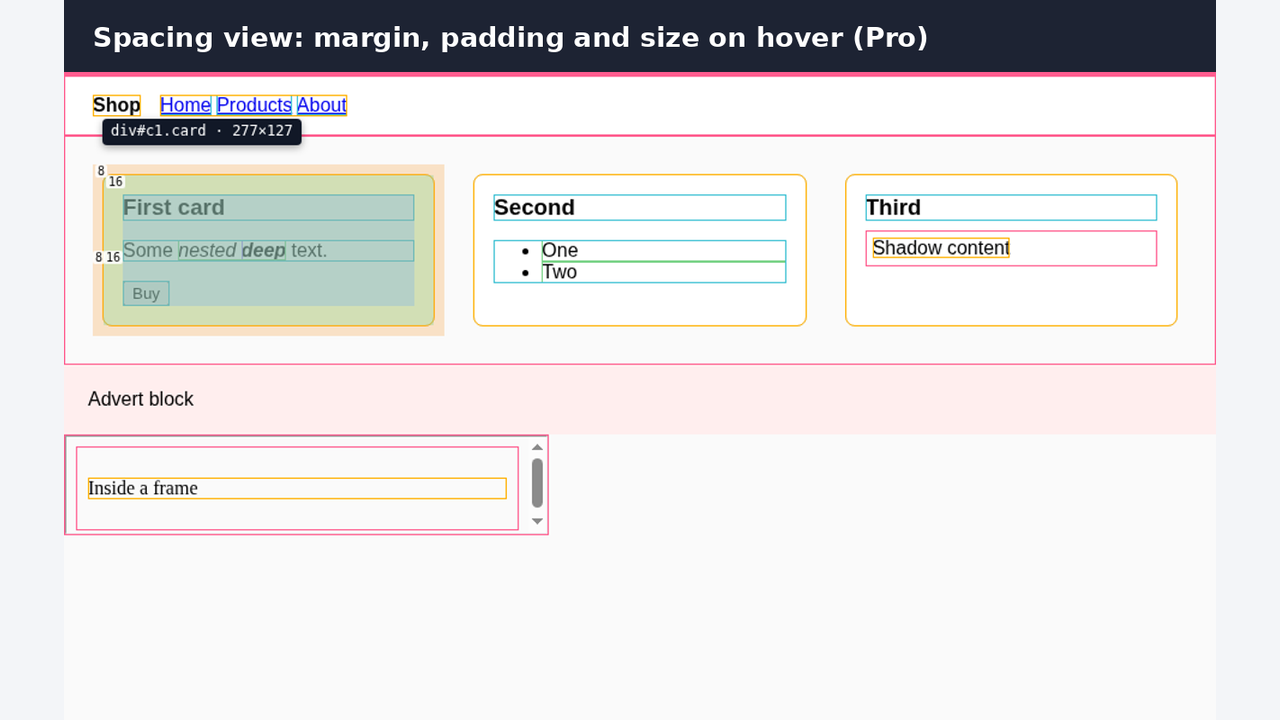
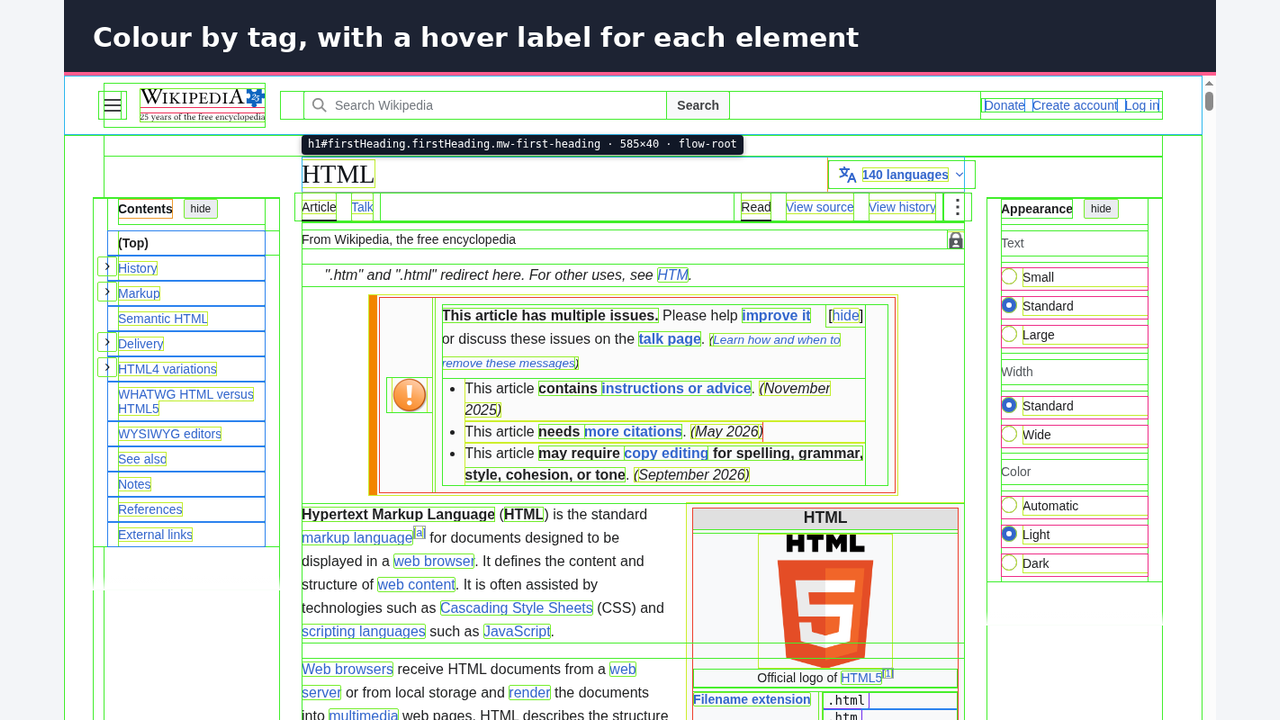
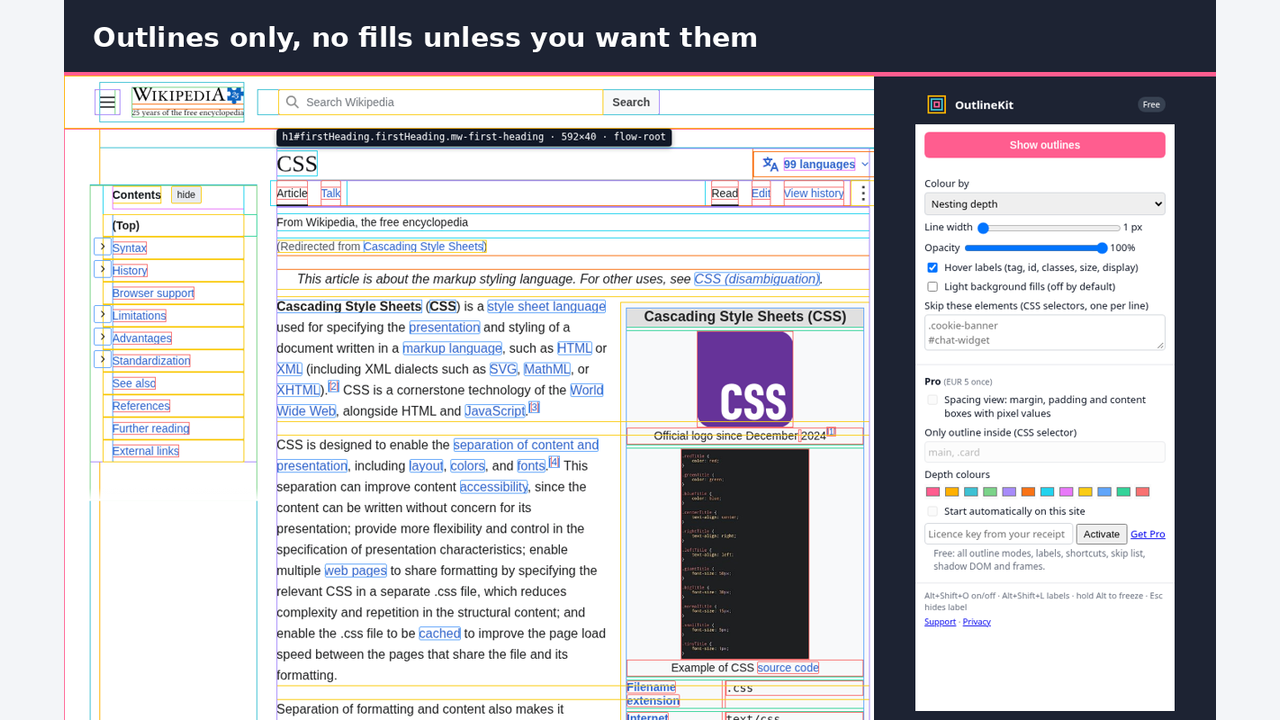
OutlineKit draws a thin outline around every element on the page so you can see the layout at a glance. It is made for front-end developers, designers and anyone fixing a broken layout.
Outlines only. OutlineKit never paints coloured blocks over the page unless you turn on light fills yourself, so you can still read the text and see the real colours.
Free features:
- Outline every element, coloured by nesting depth, by tag, or in one colour
- Outlines sit inside each box, so overflow: hidden does not cut them off
- Hover label with tag, id, classes, width × height, display and position
- Spacing view on hover: margin, padding and content boxes with pixel values
- Remember on for a site: outlines turn on by themselves when you open that site again (asks for access to that site only)
- Keyboard shortcuts: Alt+Shift+O for outlines, Alt+Shift+L for labels (change them in Firefox: about:addons → Manage Extension Shortcuts; Chrome: chrome://extensions/shortcuts)
- Hold Alt to freeze the label, Esc to hide it
- Line width and opacity sliders, skip list for cookie bars or chat widgets
- Works inside open shadow DOM and same-site frames, per tab
- Layout report totals: element count, deepest nesting, how many elements are wider than the viewport
- Optional light background fills when you want them
Limits
- Frames from another site are not outlined or scanned unless you give OutlineKit access to that site; the report says how many were not read.
- Closed shadow DOM cannot be read by any extension; open shadow DOM is covered.
- Depth mode has 12 colours; deeper elements share colour 12. The hover label and report show the real depth.
- Tag mode colours 57 common tags; other tags are grey.
- Browser pages (about:, chrome://) and add-on stores cannot be outlined.
Pro (one payment, no subscription; comes with Web Dev Pro or Browser Pro):
- Full layout report copied as Markdown: elements by depth and by tag, and every element wider than the viewport with its selector and right edge (first 25 listed, the rest counted)
- Limit outlines to one part of the page (for example main or .card)
- Your own depth colours
- Settings saved per site: colour mode, width, scope and colours follow each project
Privacy: OutlineKit only runs on a tab after you click its icon or press the shortcut. It does not collect, store or send any data. No analytics, no ads. Settings stay in your browser. A licence key is checked once with Gumroad when you enter it.
Available for Firefox now. Chrome Web Store: not yet listed, no date promised.
Install and price
OutlineKit is free. Install for Firefox Chrome Web Store: not yet listed, no date promised. OutlineKit Pro is not sold on its own; it comes with Web Dev Pro (€30 once, web-dev extensions + Valuepad) or Browser Pro (€35 once, all DigiVibeTech browser extensions), one payment, no subscription: Web Dev Pro · Browser Pro