Browser extension · Firefox · Chrome Web Store: not yet listed, no date promised
Formdouble: Test Form Filler
Fill any form with realistic test data that passes its own rules: matching names and emails, valid patterns, ranges and undo.
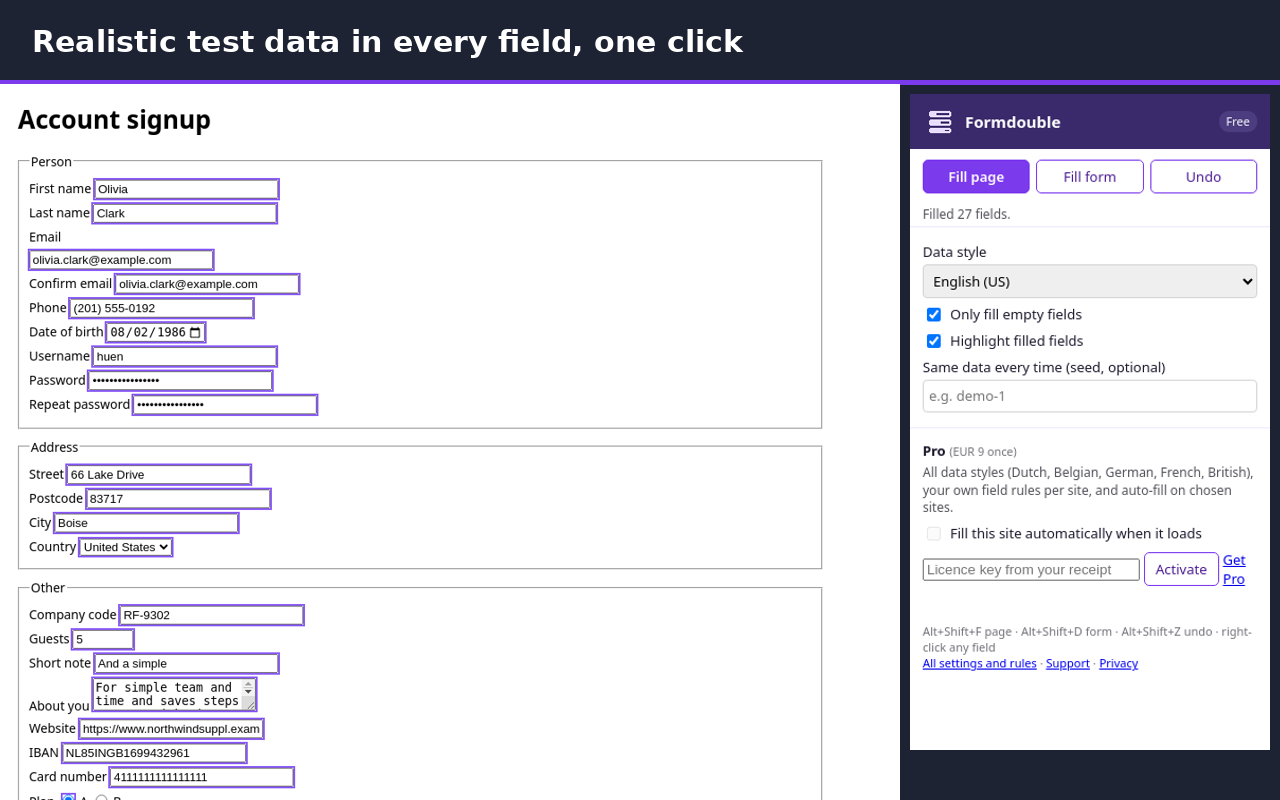
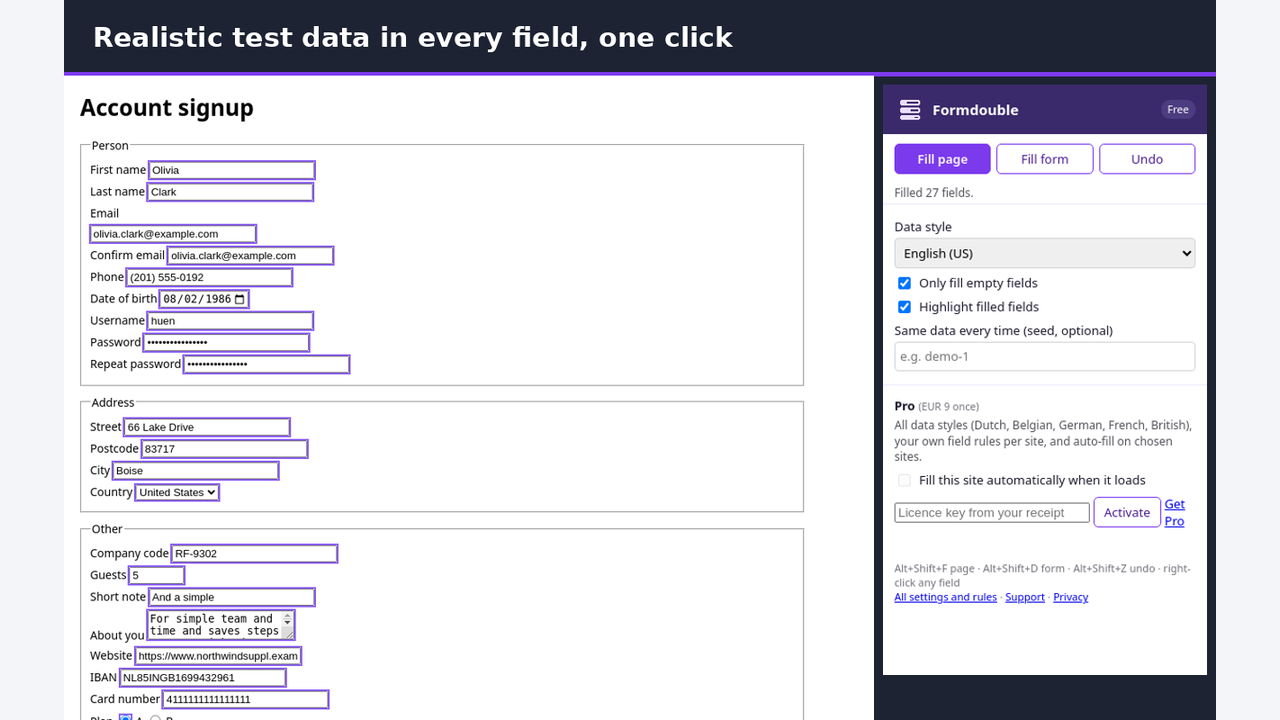
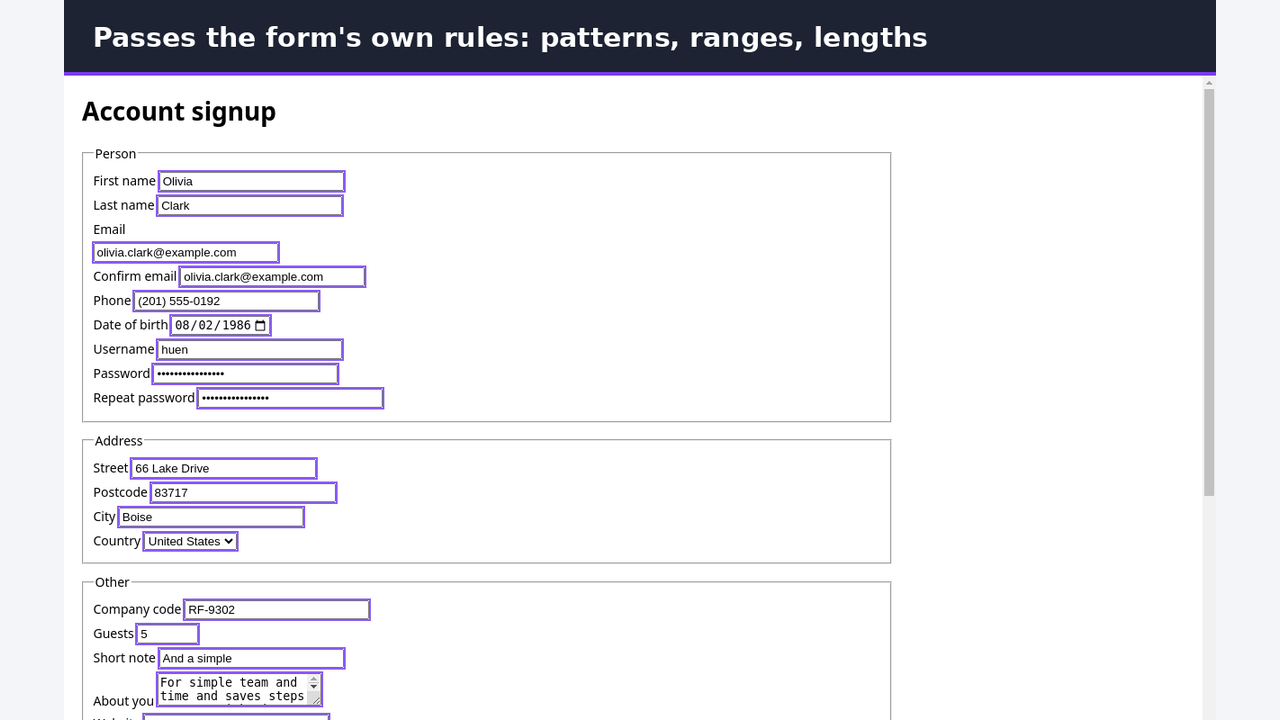
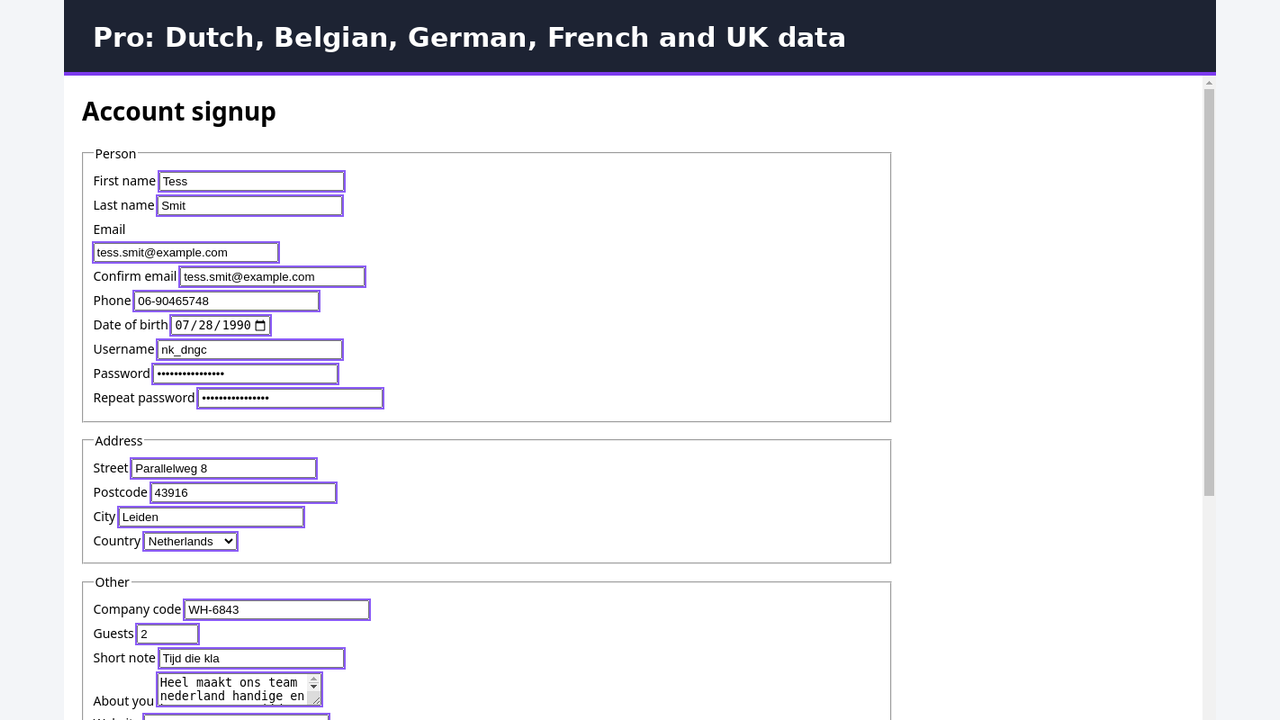
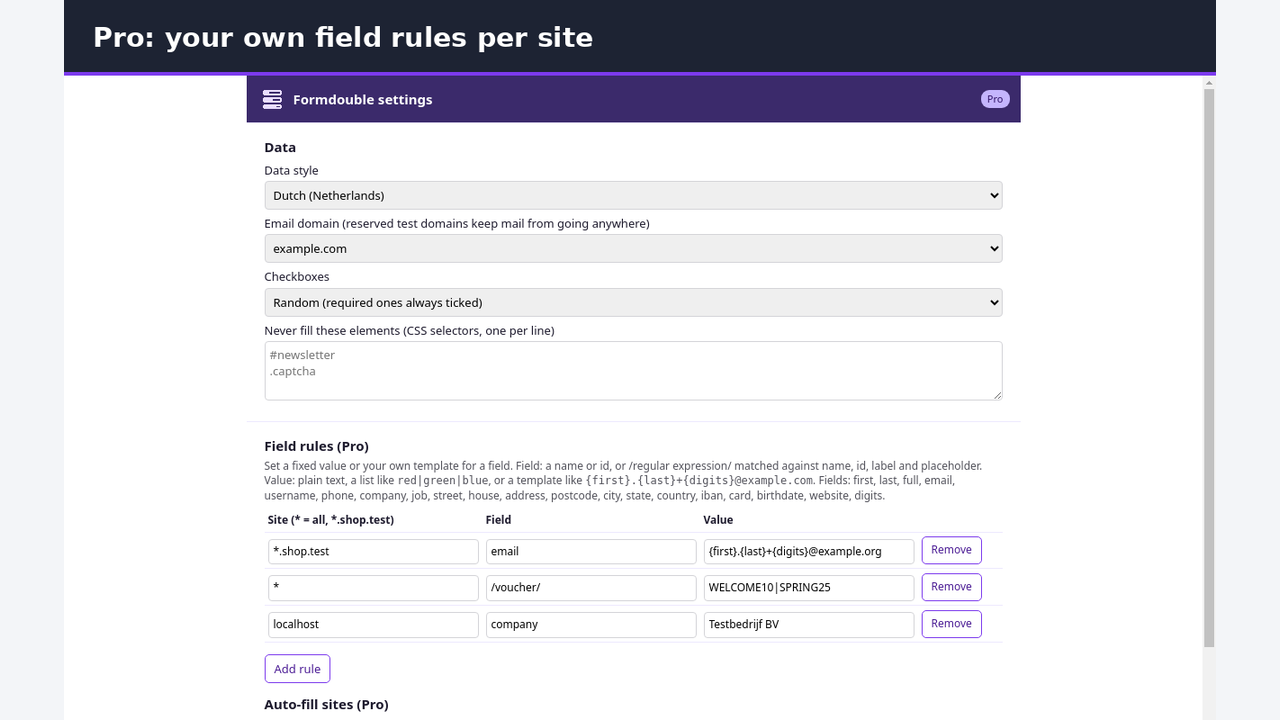
Formdouble fills web forms with believable test data in one click, so you can test sign-up, checkout and contact forms without typing.
The data fits together and fits the form:
- One made-up person per fill: the email matches the name, the city matches the postcode, and both email fields and both password fields match
- Respects the form's own rules: pattern, min and max, step, minlength and maxlength, required checkboxes and radio groups
- Emails use reserved test domains (example.com) and websites end in .example, so nothing reaches a real inbox
- Card numbers are the standard public test cards, IBANs pass the bank check digit test
- Works with React, Vue and other frameworks: their state updates as if you typed
- Fills fields inside web components (shadow DOM) and inside frames
- Fills rich-text (contenteditable) areas and ARIA dropdown widgets
- Tells you what it filled and what it skipped, and why
Free:
- Fill the whole page, one form, or one field (toolbar, right-click menu or shortcuts)
- Undo the last 10 fills
- Only fill empty fields, so your own entries stay
- Seed: get the same data every time for repeatable tests
- Skip list: never touch fields that match your selectors
- Highlight what was filled
- US and Dutch data styles
Limits
- File inputs are skipped (no files are attached).
- Custom dropdowns are filled only when they use standard ARIA roles (combobox with a listbox, or listbox with options). Dropdowns built from plain elements without those roles are skipped and counted.
- Frames from another site are filled only when Formdouble has access to that site; otherwise they are left as they are.
- Closed shadow roots cannot be reached.
- Rich-text editors are filled with plain text; formatting is not generated.
Pro (€10 once; also with Web Dev Pro or Browser Pro. One payment, no subscription):
- Four more data styles: Belgian, German, French and British names, addresses, postcodes and phone numbers
- Field rules per site: fixed values, lists to pick from, or templates that combine the first name, last name and random digits on a reserved test domain
- Auto-fill on sites you choose, every time the page loads
- Export and import your settings
Privacy: Formdouble has no access to your sites at install. It runs on a page only when you click it, use its menu or a shortcut. Auto-fill asks for access to each site you add. All data is generated in your browser. Nothing is collected or sent anywhere. No analytics, no ads, no upgrade banners.
Available for Firefox now. Chrome Web Store: not yet listed, no date promised.
Install and price
Formdouble is free. Install for Firefox Chrome Web Store: not yet listed, no date promised. Pro costs €10 once on Gumroad, or comes with Web Dev Pro (€30, web-dev extensions + Valuepad) or Browser Pro (€35, all DigiVibeTech browser extensions), one payment, no subscription: Buy Pro · Web Dev Pro · Browser Pro